The NIST 8 character password minimum with MFA is a floor that a service may allow, not a target for you. NIST SP 800-63B-4 requires at least 15 characters when a password is the only factor, and at least 8 only when it is used solely as part of multi-factor authentication. Choose longer anyway.
The short version: a rule written for websites is easy to misread as advice for people. Below, I separate the two so you know what to do with your own accounts.
Table of Contents
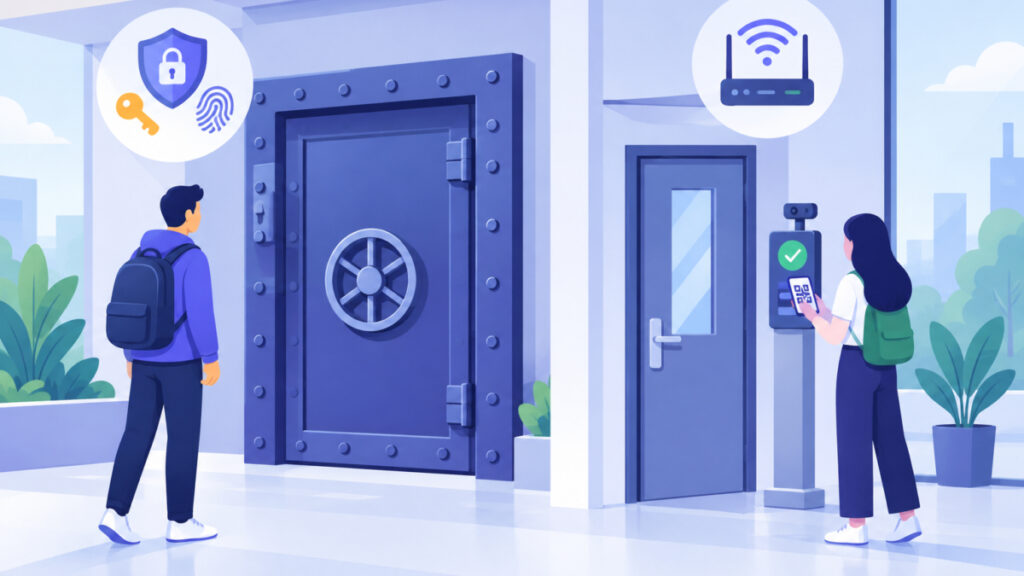
What does the NIST 8 character password minimum with MFA actually say?
NIST publishes the Digital Identity Guidelines. The current final version is SP 800-63, Revision 4, released in July 2025, and its authentication volume is SP 800-63B-4. These rules are written for services that set password policies, not for you. The details here reflect the guidance as checked on October 31, 2026.
MFA, short for multi-factor authentication, means signing in with two or more different kinds of proof, such as a password plus a code from an app or a security key.
| Situation | NIST SP 800-63B-4 requirement | What it means for you |
|---|---|---|
| Password is the only factor | Services must require at least 15 characters | A single-factor account needs a long password |
| Password is used only as part of MFA | Services may allow shorter, but must require at least 8 characters | Eight is the lowest a service may set, not a recommendation |
OWASP’s Authentication Cheat Sheet reflects the same 15 and 8 split.
Pay attention to the condition. The wording is that the password is only used as part of multi-factor authentication. Switching on an optional MFA setting does not automatically make an eight-character password sufficient, especially if the account still lets you in with the password alone.
One more distinction: NIST treats local activation secrets, such as a PIN that unlocks your own device, differently from account passwords checked by a server. Do not apply the 15 and 8 rule to a device PIN.
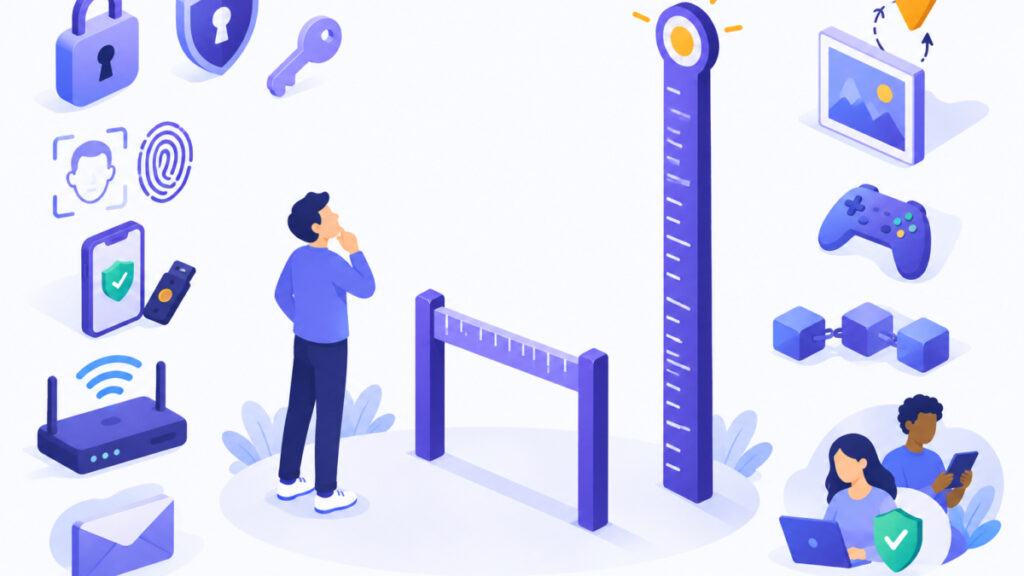
Why is a permitted minimum not a strength target?
A minimum only stops the weakest choices from being accepted. It does not tell you that a password at that length is good. A short password that you reuse elsewhere, that appeared in a breach, or that is easy to guess remains a problem, with or without MFA.
Guessing happens in two ways. Online guessing means trying passwords at a login page, where rate limits and lockouts slow an attacker down. Offline guessing is different. If someone obtains a service’s stored password hashes (one-way scrambled versions of passwords), they may be able to guess without those login limits. How well that works depends on the password you chose and on how the service stores hashes. I won’t quote crack times, because they vary too much to be honest numbers.
Length also does not prove randomness. A long, predictable phrase can still be weak. The Password Entropy Calculator can help you see how length and character variety affect entropy, which is a measure of how unpredictable a password is. It also helps to read why high password entropy can still show a weak strength score, since different checkers weigh patterns differently.
Breach data matters too. Have I Been Pwned says a password found in its Pwned Passwords collection should not be used. A result of not found does not prove a password is good or uncompromised. NIST also expects services to screen proposed passwords against commonly used, expected or compromised values.
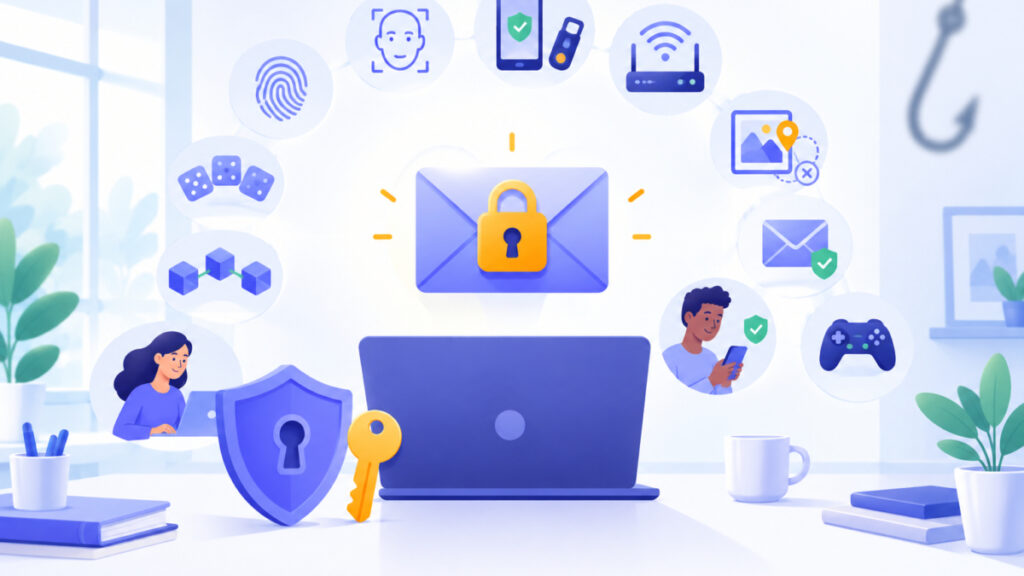
What does MFA protect against, and what can still go wrong?
MFA adds protection when a stolen password is used at sign-in, because the thief also needs the second factor. That is valuable. It is not a cure for everything.
Passwords and manually typed one-time codes can both be phished, meaning you are tricked into entering them on a fake site. A passkey is a sign-in credential stored on your device and bound to a service’s domain, according to the FIDO Alliance. Because of that binding, it is a phishing-resistant option where a service offers it.
A passkey does not fix weaker routes that remain enabled. If account recovery relies on a weak password or an easily reached inbox, an attacker may go around the strong method. This is why your email matters so much; the Password Ideas for Email page explains why that account deserves your longest, most protected login. For money accounts, the Password Ideas for Banking page covers extra protections to turn on.
A quick way to think about it: MFA raises the cost of using a stolen password, and a long unique password lowers the chance it is guessed or reused in the first place. You want both.
How do I choose a longer, unique password today?
CISA’s September 2024 password tip sheet advises at least 16 characters, randomness and a different password for each account. That is practical advice from CISA, not NIST’s MFA minimum. Here is a simple routine.
- Generate a new password. The Secure Password Generator creates random passwords with a length you choose, uses cryptographically secure randomness and works in your browser. Make your own rather than copying any example you see online.
- Use words if you must type it. The UK NCSC recommends combining random words and avoiding personal details and predictable substitutions. The Passphrase Generator builds multi-word options and shows entropy. Check the length it produces, because a fixed number of words does not always meet a site’s length requirement.
- Store it safely. Save it in a reputable password manager or the one built into your browser, so you never have to reuse it.
- Turn on MFA. Use an authenticator app or security key, and a passkey where offered.
- Check for exposure. The Password Leak Checker queries Have I Been Pwned using k-anonymity, which means only the first 5 characters of a hashed version are sent and the password itself stays on your device. If a password is found, replace it. If it is not found, that is not proof it is strong.
- Review recovery options. Make sure your recovery email and phone are current and secure.
There is no need to change a good password on a schedule. Change it when there is a reason, such as a breach or suspected compromise.
For IT and web beginners: how should a service apply the 15 and 8 rule?
If you build or manage a login system, the rule gives you a decision, not a goal. Require at least 15 characters for any password that can be the sole factor. Consider the eight-character minimum only when the password is genuinely used only within an MFA process, and treat that as the lowest allowed value rather than a default to advertise to users.
Screen new passwords against commonly used, expected or compromised values, as NIST requires. How you store passwords also matters, because it affects what an attacker gets if the database leaks. The Password Hash Generator lets developers and students try bcrypt and other algorithms and test a hash match in the browser. It is for learning and testing, so use a proper library in production.
Keep account passwords separate in your thinking from device unlock secrets and from Wi-Fi keys, which follow different rules.
Frequently asked questions
Does two-factor authentication make an eight-character password long enough?
Not automatically. NIST allows a service to set an eight-character minimum only when the password is used solely as part of multi-factor authentication. That is a permitted floor for services. For your own accounts, a longer unique password is the safer choice.
What is NIST's minimum when a password is used alone?
In SP 800-63B-4, services must require at least 15 characters when a password is a single authentication factor. OWASP’s Authentication Cheat Sheet reflects the same distinction.
Is 16 characters a NIST requirement?
No. The 16-character figure comes from CISA’s September 2024 password tip sheet, which is practical advice alongside randomness and a different password for each account. It is not NIST’s MFA minimum.
Does the 15 and 8 rule apply to my phone's PIN?
No. NIST treats local activation secrets, such as a PIN that unlocks a device, differently from account passwords verified by a service. This article covers account passwords only.
If my password is not in Have I Been Pwned, is it safe?
Not necessarily. A not found result does not establish that a password is good or uncompromised. It only means it was not in that collection. Length, randomness and uniqueness still matter.
Will a passkey protect me if my account recovery is weak?
Not fully. A passkey is bound to the service’s domain and resists phishing, but weaker password or recovery routes that remain enabled can still be used. Secure your recovery email and phone as well.
Should I change my password regularly once MFA is on?
No scheduled change is needed. Change it when there is a reason, such as a known breach, a reused password or suspected compromise. Then generate a new, unique one.
Next steps
The NIST 8 character password minimum with MFA is a narrow permission for services, not proof that eight characters protect your account. The key actions: generate a long, unique password for every account, store it in a reputable manager, turn on MFA or a passkey, and replace any password found in a breach. For a printable version, the Password Safety Checklist gives you ten actions to work through this week.
Related tools and resources on Password Ideas:
- Secure Password Generator
- Passphrase Generator
- Password Leak Checker
- Password Entropy Calculator
- High Password Entropy But Weak Strength Score
Sources and further reading
- NIST Special Publication 800-63B
- Strength of Passwords
- NIST SP 800-63 Digital Identity Guidelines
- Authentication – OWASP Cheat Sheet Series
- fidoalliance.org: Passkeys The Journey to Prevent Phishing Pt1
- Cybersecurity Best Practices | Cybersecurity and Infrastructure Security Agency CISA
- FIDO User Authentication Specifications | FIDO Alliance
- Have I Been Pwned: Pwned Passwords