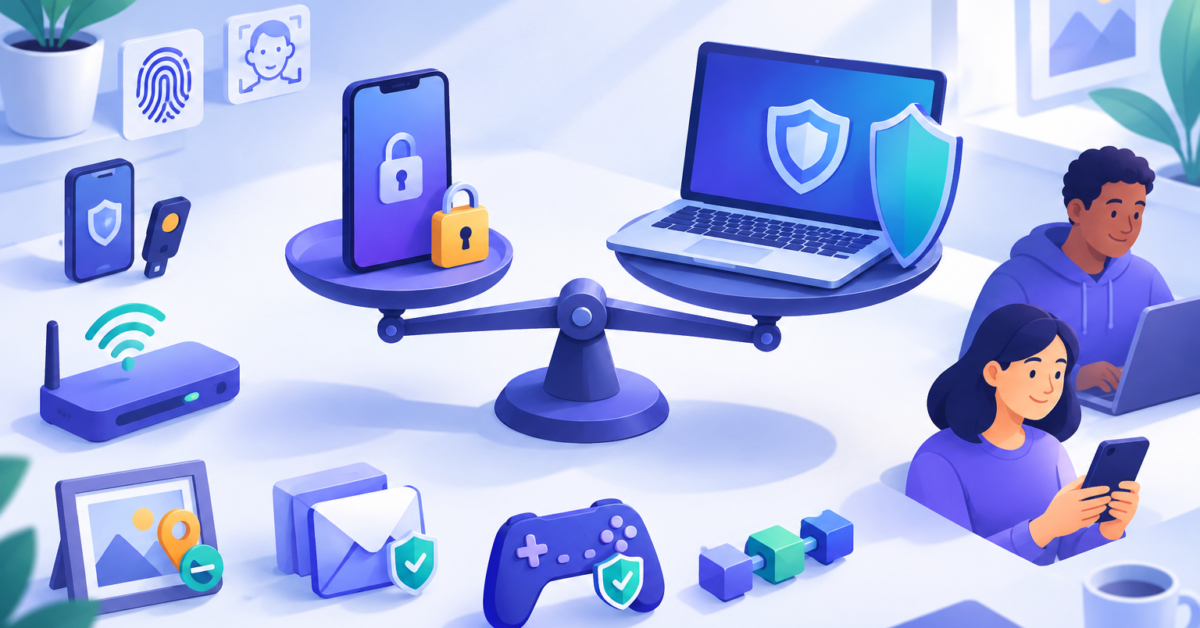
A six-digit PIN can protect a phone because the device limits repeated guesses, and the PIN is checked locally. A website password faces a central server, possible stolen databases and reuse, so NIST sets a much longer minimum there. In the six digit PIN vs password security question, the surrounding protections matter as much as the digits.
Below I show the arithmetic, explain what NIST actually requires, and finish with steps you can take today. Technical sections are marked so you can skip them if you prefer.
Table of Contents

What is the difference between a phone PIN and a website password?
The digits are only part of the story. What matters is where the secret is checked and what stops someone from guessing again and again.
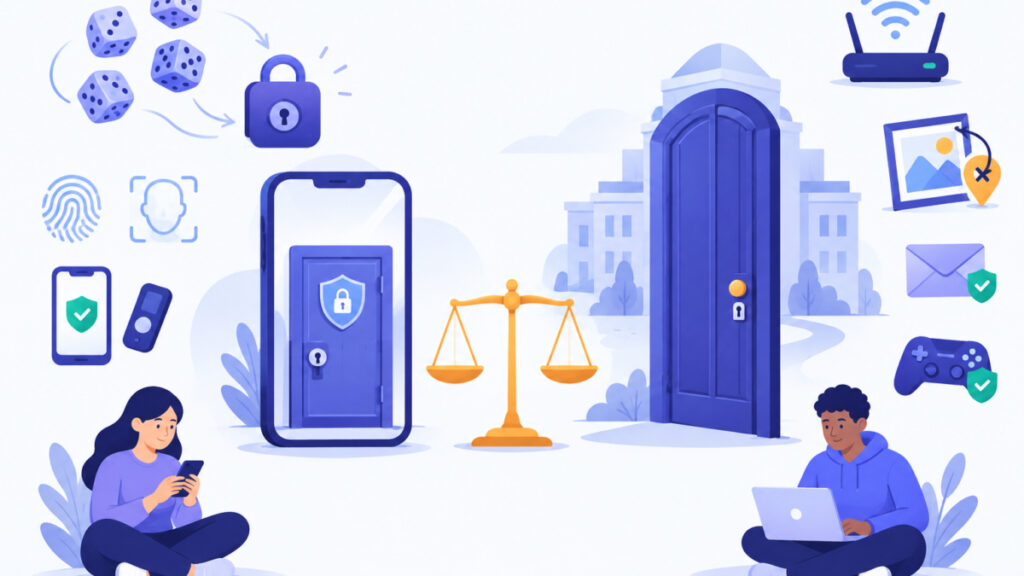
A phone PIN is usually checked on the device itself. The device can slow down or block repeated wrong attempts. A website password is checked by a remote server, and the website’s stored copy of it can end up in a breach. The table below summarizes the contrast.
| Question | Device PIN | Website password |
|---|---|---|
| Where is it checked? | On the device, often with hardware support | On a remote server |
| What limits guesses? | Delays, throttling or lockouts built into the device | Online rate limits, which do not help if a stored database is stolen |
| Extra risks | Someone watching you type, or physical access to the device | Phishing, reuse across sites, breached credentials, stolen password hashes |
| NIST SP 800-63B-4 (finalized July 2025) | For a local activation secret: at least 4 characters required, 6 recommended, numeric allowed, no more than 10 consecutive failures | At least 15 characters if the password is the only factor; at least 8 if used only inside multifactor authentication |
A device passcode and NIST’s term activation secret are related but not identical. NIST uses the second term for a secret that unlocks an authentication key stored locally.

How strong is a six-digit PIN? The arithmetic and its limits
A random six-digit PIN, including leading zeros, has 10 to the power of 6 possibilities. That is 1,000,000 combinations, or about 19.9 bits of theoretical entropy. Entropy measures how many equally likely possibilities an attacker would have to consider.
As an illustration, if a PIN was chosen uniformly at random and the attacker knows nothing else, ten guesses have at most a 10 in 1,000,000 chance (0.001%) of succeeding. This is not a measured phone-compromise probability. It only shows why a small guess limit makes a short random number workable.
The assumptions matter:
- Uniform choice. Birthdays, repeated digits and patterns such as 123456 break it. NIST encourages blocking common activation secrets like that one.
- A limit on guesses. Without one, 1,000,000 possibilities is a small search.
- Generator settings. Excluding repeats or sequences removes values from the pool, so it does not raise the entropy. It only avoids obviously weak picks.
The Password Entropy Calculator uses length multiplied by the base-2 logarithm of the character pool, and it does not store or transmit input. Type six made-up digits, never your real PIN, to see a figure near 19.9 bits. Treat it as theoretical entropy, not an account-safety rating, just as high password entropy can still come with a weak strength score.
What does NIST say about six digit PIN vs password security?
NIST SP 800-63B-4 separates two situations, and mixing them up causes most of the confusion.
Local activation secrets
When a secret is used locally to unlock an authentication key, NIST requires at least four characters and recommends at least six. It allows an all-numeric PIN. It also requires a mechanism that limits consecutive failed attempts to no more than 10. These are requirements for authenticators in NIST’s defined setting. They do not claim that every phone follows an identical ten-try policy.
Centrally verified passwords
When a password is verified by a server, NIST requires a minimum of 15 characters if the password is the only factor. It permits a minimum of 8 if the password is used only within a multifactor process. That second number is a verifier requirement. It is not advice to pick an eight-character password whenever two-factor authentication is offered.
NIST also calls for checking proposed passwords against commonly used or compromised values. A six-digit PIN should not stand in for an ordinary website password.
Why do phones limit guesses, and where does that stop helping?
Apple’s platform security documentation describes escalating delays after incorrect iPhone passcodes. Erasing the device after ten consecutive incorrect attempts depends on the Erase Data option being turned on. Android’s Gatekeeper documentation describes hardware-backed verification and throttling of consecutive failures. Details vary by device model and configuration.
Neither example proves a short PIN is safe without those protections. If you turn off the lock, disable the limits, or share the PIN, the six digits stand alone.
Practical steps for your phone:
- Pick a PIN that is not a birthday, an address or a pattern. The PIN Generator creates random numeric PINs of 3 to 12 digits, with options to avoid repeating or sequential digits, and it runs in your browser using cryptographically secure randomness.
- Consider a longer passcode if your device allows one.
- Keep the lock screen limits and updates enabled.
- Shield the screen when you type in public.
Generate your own value, and do not use the same PIN for a phone, a bank card and a door code.
Why can a website password be attacked in ways a phone PIN is not?
This section is for IT and web development beginners.
Websites usually do not store your password directly. They store a hash, a one-way scrambled version produced by a hashing function. NIST calls for salted, suitably hashed storage. A salt is a random value added so identical passwords do not produce identical hashes.
Online rate limits can slow guessing through the login form. But if a hash database is stolen, guesses can be made offline, away from the site’s attempt limit. The result then depends on the password’s strength and the site’s storage practices. OWASP recommends slow password-hashing schemes and warns against fast general-purpose hashes for storing passwords. I do not quote a time-to-crack figure here, because a responsible number needs a stated hashing scheme, hardware and attack method.
Other risks have nothing to do with combination counts: phishing pages, reused passwords and credentials exposed in earlier breaches. If you build sites, the Password Hash Generator shows how bcrypt, a deliberately slow hash with an adjustable cost factor, differs from fast hashes such as SHA-256 or MD5, which the tool labels as unsuitable for password storage. It runs in your browser, so nothing is uploaded.
Six digit PIN vs password security: what should you do today?
Follow these steps in order. None of them requires technical skill.
- Keep a random PIN on your device. Avoid dates and patterns, and keep the device’s guess limits switched on.
- Give every website a long, unique password. Use the Secure Password Generator for random passwords, or the Passphrase Generator for multi-word options. The UK NCSC suggests three random words as one memorable method, so check the result against the site’s own length rules and the 15-character figure above.
- Store them in a reputable password manager. You then remember one strong secret instead of dozens.
- Check for exposure. The Password Leak Checker queries the Have I Been Pwned service using k-anonymity, which means only the first five characters of a hash are sent. Do not type a password into any site you do not trust.
- Turn on two-factor authentication or passkeys. A passkey is a sign-in method where a private key on your device proves who you are. W3C WebAuthn describes local user verification, which may be a PIN or a biometric, authorizing the credential, so the PIN is not sent to the website as a password.
- Change a password only for a reason, such as a breach or suspected compromise, not on a fixed schedule.
If you have many accounts to fix, read how to generate unique passwords for multiple accounts at once. The free Password Safety Checklist is a printable list of actions.
Frequently asked questions
Is a six-digit PIN safe for my phone?
It can be, when the PIN is random, not a birthday or pattern, and the device’s protections stay enabled. Those protections are delays, throttling or lockouts after repeated wrong attempts. Device models and settings differ, so check what yours does.
Can I use a six-digit PIN as a website password?
No. NIST SP 800-63B-4 requires at least 15 characters for a centrally verified password used as the only factor. A six-digit number is far below that, and websites face stolen hashes, phishing and reuse.
Does NIST allow an eight-character password with multifactor authentication?
NIST permits a minimum of eight characters only when the password is used within a multifactor process. That is a minimum for verifiers, not a recommendation. A longer, unique password is still the better choice.
Is a six-digit verification code the same as a PIN?
No. A one-time code is short-lived and sent or generated for a single sign-in. A PIN is a reusable secret. Do not treat the two as interchangeable, and never share a one-time code with anyone who contacts you.
How does a passkey use my PIN?
With WebAuthn, your device may ask for a PIN or biometric locally to approve use of a public-key credential. The website receives a cryptographic proof, not your PIN, so it is a different model from a typed website password.
Should I change my phone PIN regularly?
Not on a fixed schedule. Change it if you suspect someone has seen it, if the phone was lost or borrowed, or if the PIN is guessable. Choose a new random value from a generator instead of a variation of the old one.
Does excluding repeated or sequential digits make a PIN stronger?
It avoids obviously weak picks, but it shrinks the set the generator draws from, so it does not raise theoretical entropy. A generated six-digit PIN with exclusions has fewer than 1,000,000 possible values.
Next steps
The six digit PIN vs password security comparison is not about six digits being strong in general. A PIN works on a phone when the device checks it locally and limits repeated guesses. A website password needs length, uniqueness and protection from breaches and phishing. Recap: use a random device PIN with limits on, a long unique password per site, a breach check, and two-factor authentication or passkeys where offered.
Related tools and resources on Password Ideas:
- PIN Generator
- Password Entropy Calculator
- Password Leak Checker
- Passphrase Generator
- High Password Entropy But Weak Strength Score
- Password Safety Checklist (PDF)